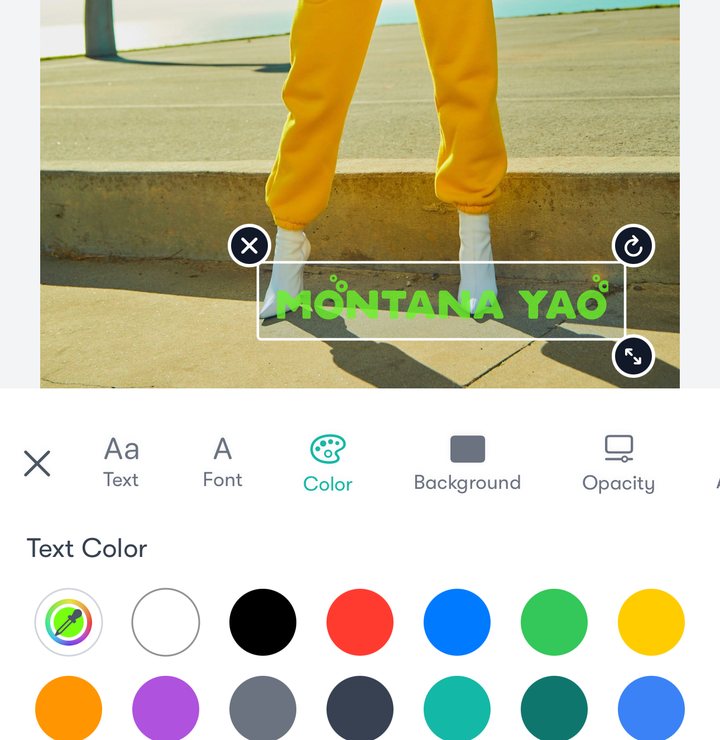
Text in your style
Type your name or handle, then choose the font, colour, background and opacity.

Add your name, logo or signature to photos and videos. Do one at a time, or a whole shoot in one go, and export in high resolution.
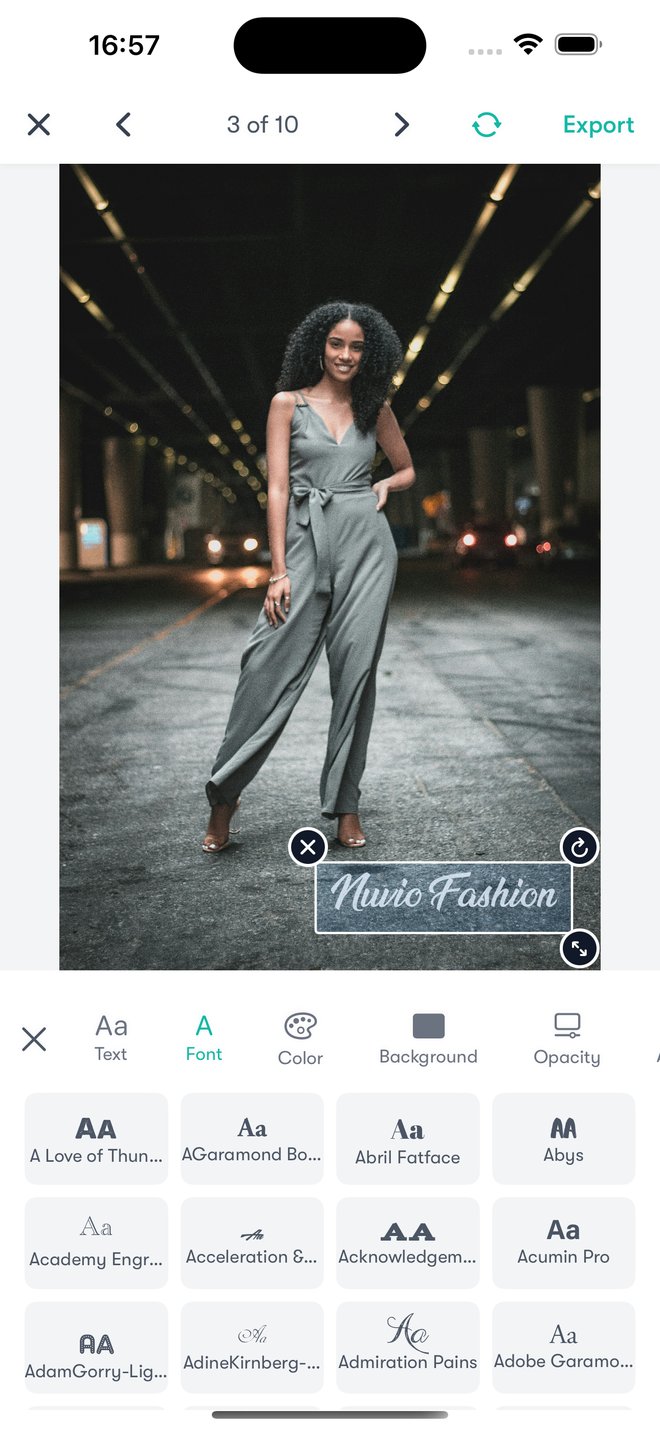
Type your name or handle, then choose the font, colour, background and opacity.
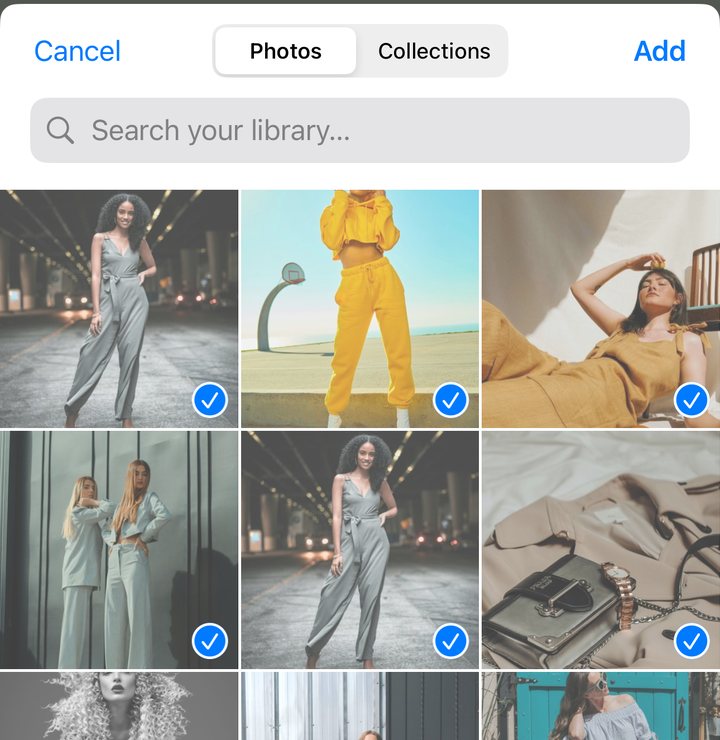
Pick a set of photos and watermark them all in one go, then step through them to fine-tune.
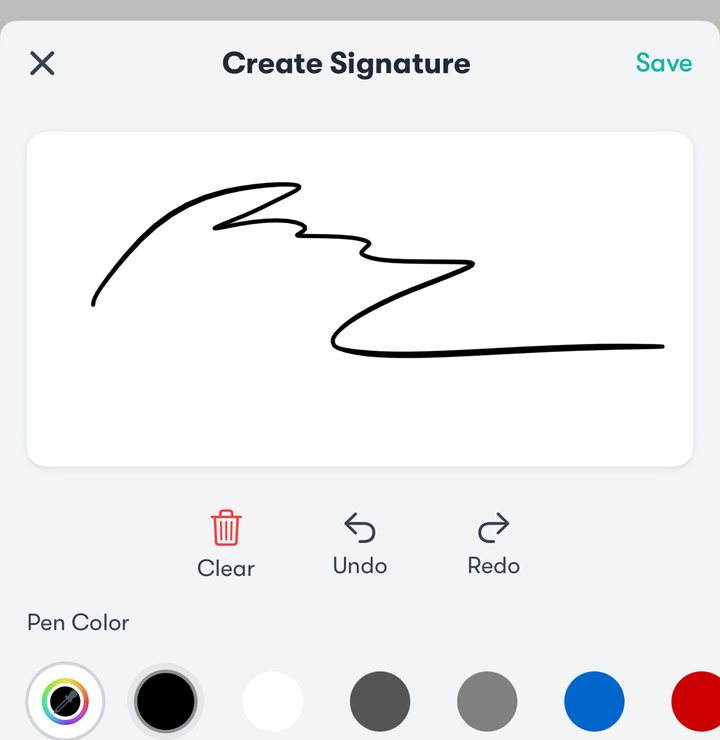
Draw your signature once, in any colour, and add it to any photo.
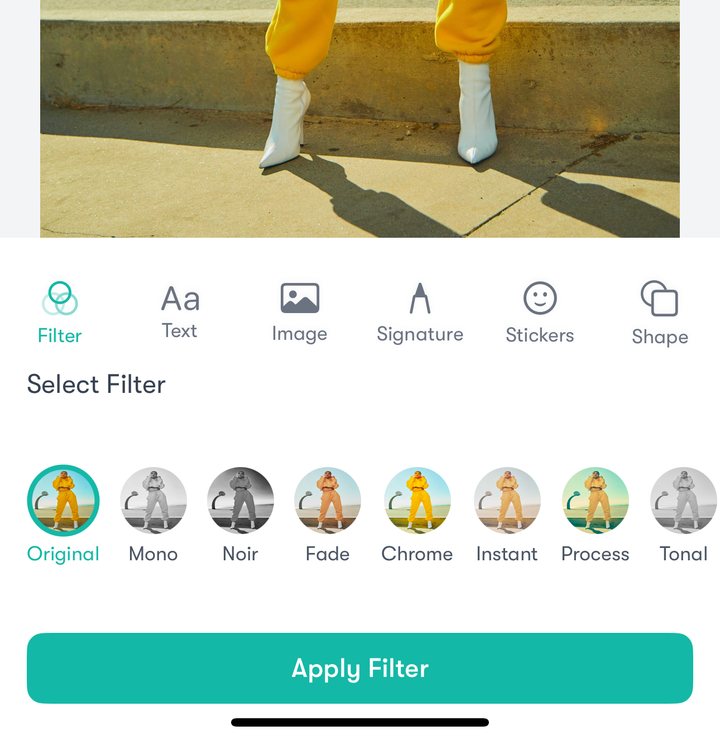
Give a photo its look with a filter, like Mono, Noir or Chrome, before you add your mark.
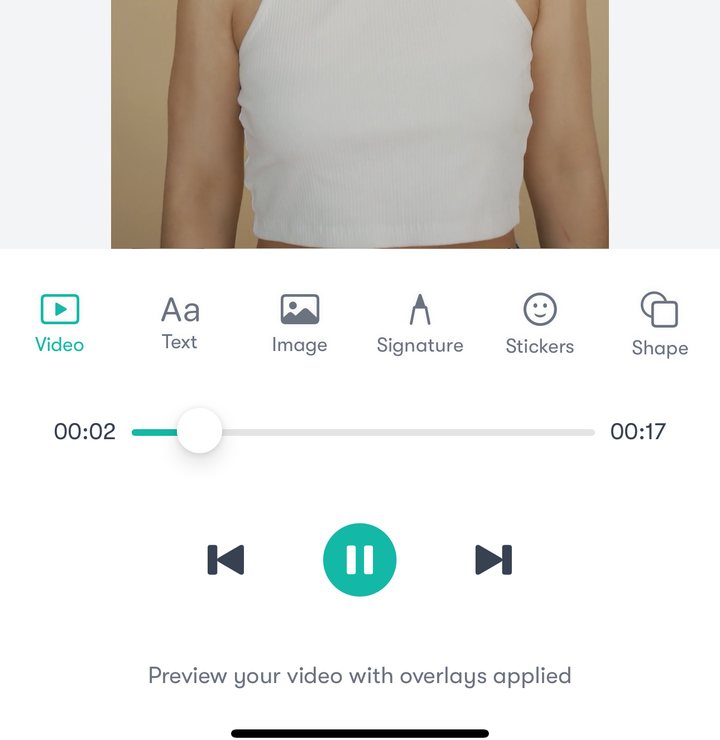
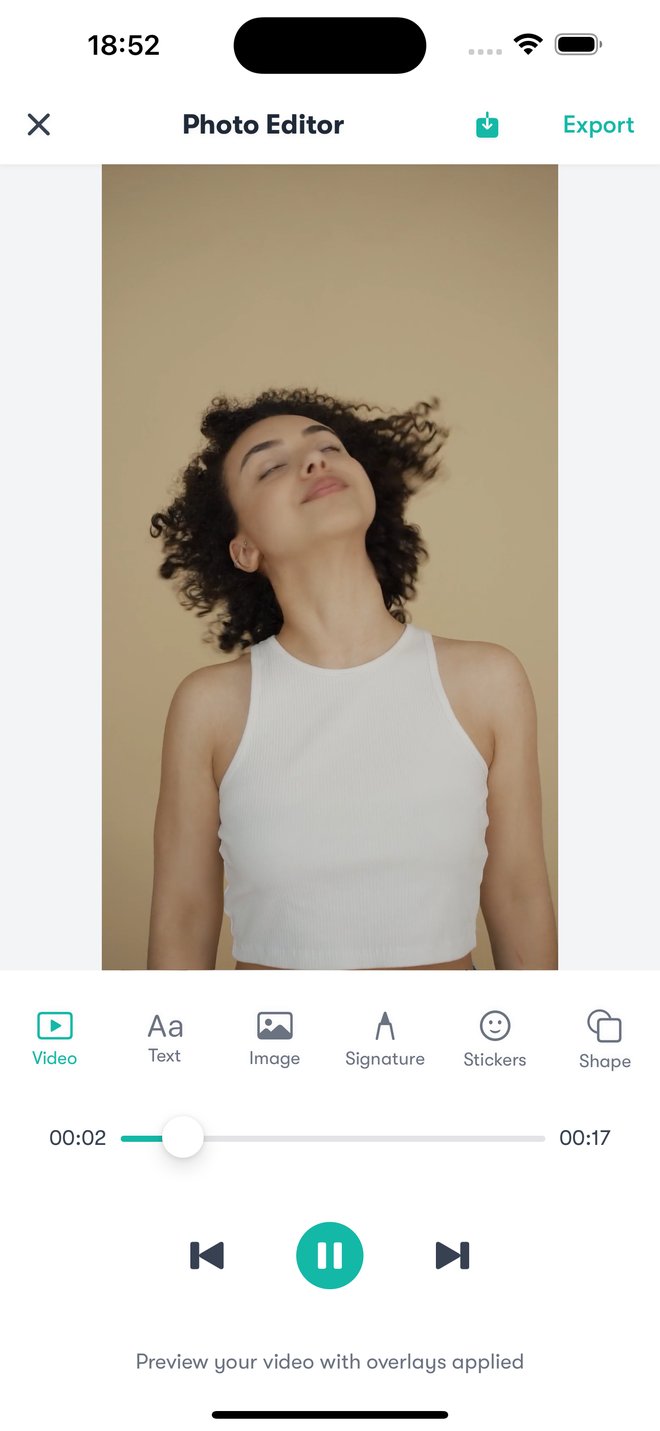
Put the same watermark on a video and preview it with your overlays before you export.

Add stickers and shapes, then reorder the layers to bring any element to the front.
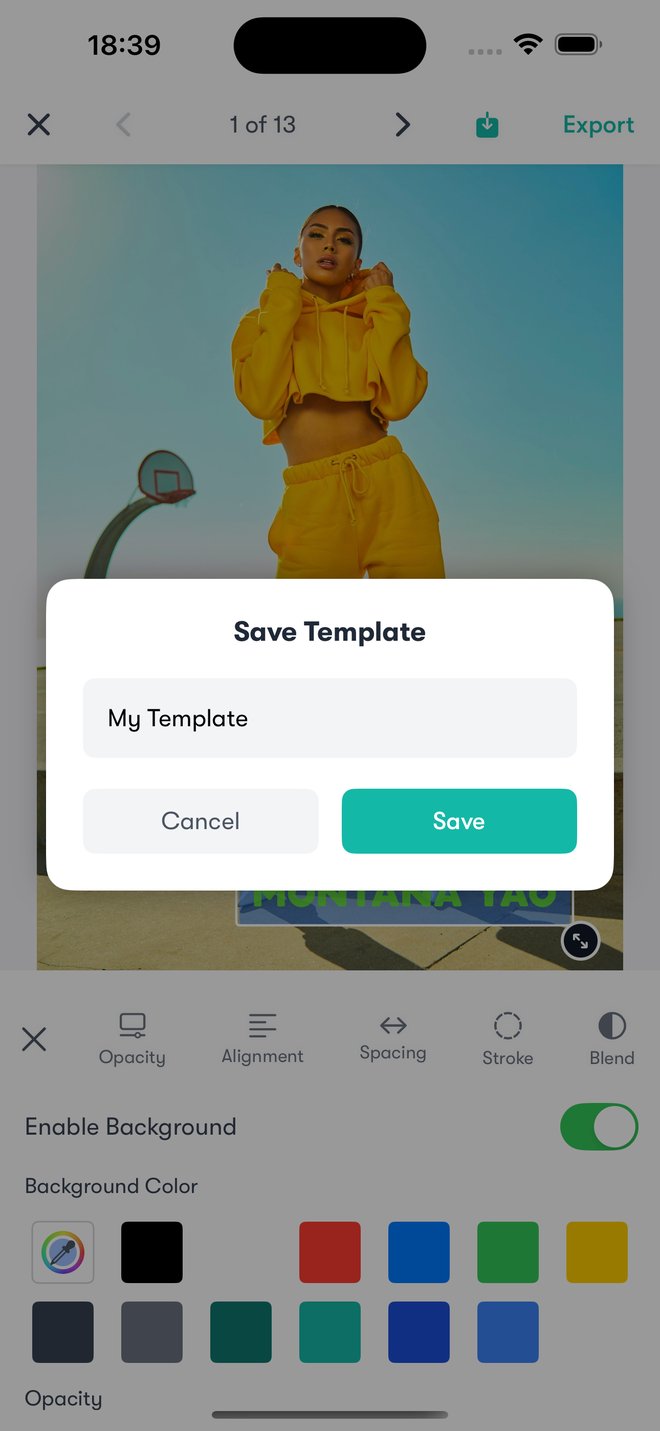
Save your watermark as a template and use it again next time, so every photo you post carries the same mark.
Prices are shown in the app and on the App Store.
No. Easy Watermark edits your photos and videos on your iPhone or iPad and saves the results to your photo library. It doesn’t upload them to our servers.
Yes. Choose Batch Photos, pick as many as you need, and the same watermark goes on all of them. You can still adjust each photo before you export.
Yes, on iPhone and iPad.
To restore a purchase, open Easy Watermark › Settings › Restore Purchases. To cancel a subscription, go to iOS Settings › [your name] › Subscriptions.
Email [email protected] and we’ll get back to you.
Easy Watermark Privacy Policy · Terms of Use