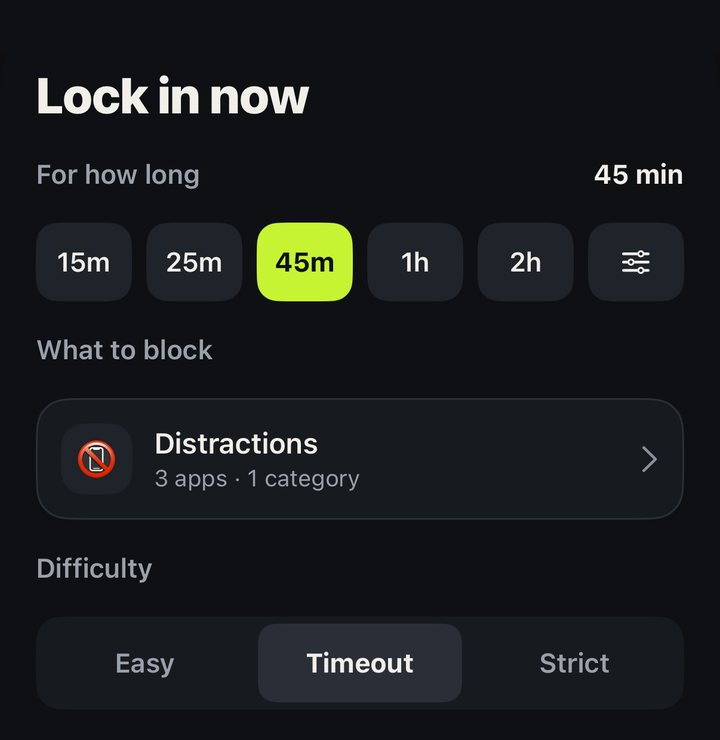
Lock in now
One tap, pick how long, and your distractions are gone until the timer runs out.

Block the apps and websites that pull you away: right now, on a schedule, or after a daily limit. Make it Strict, and there’s no way out until the time is up.
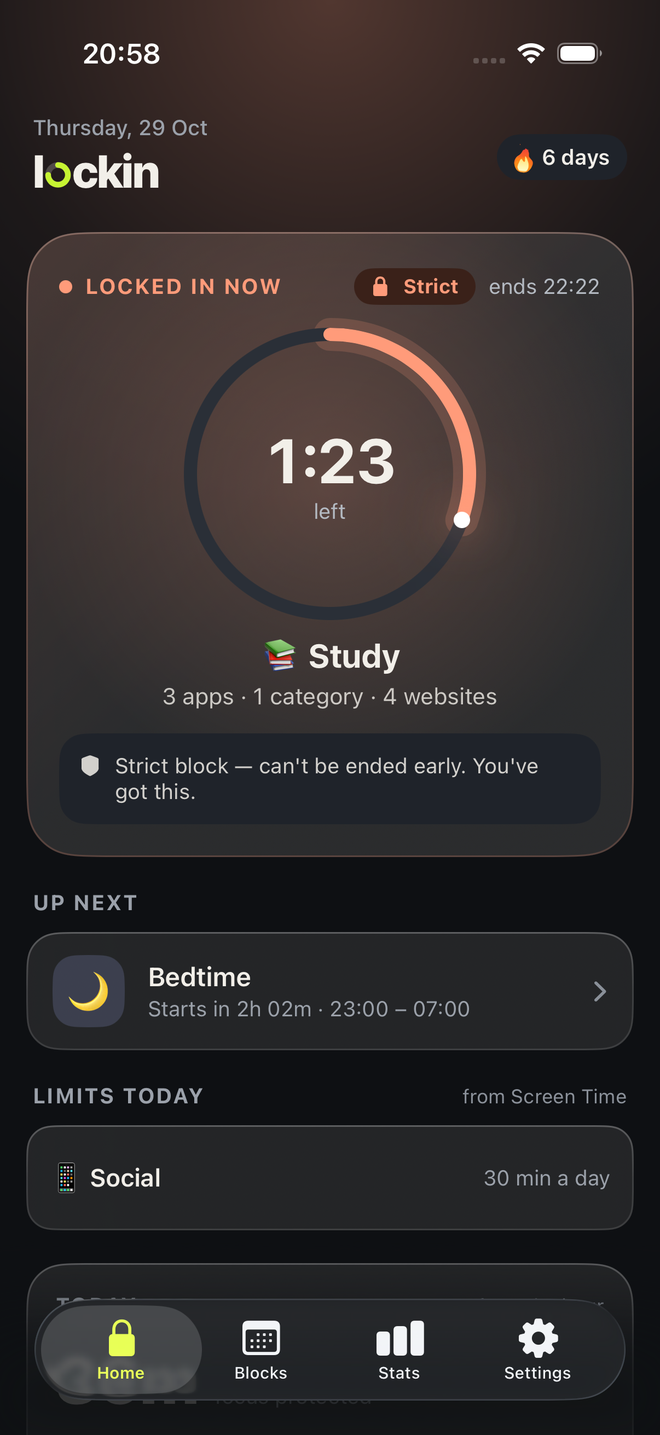
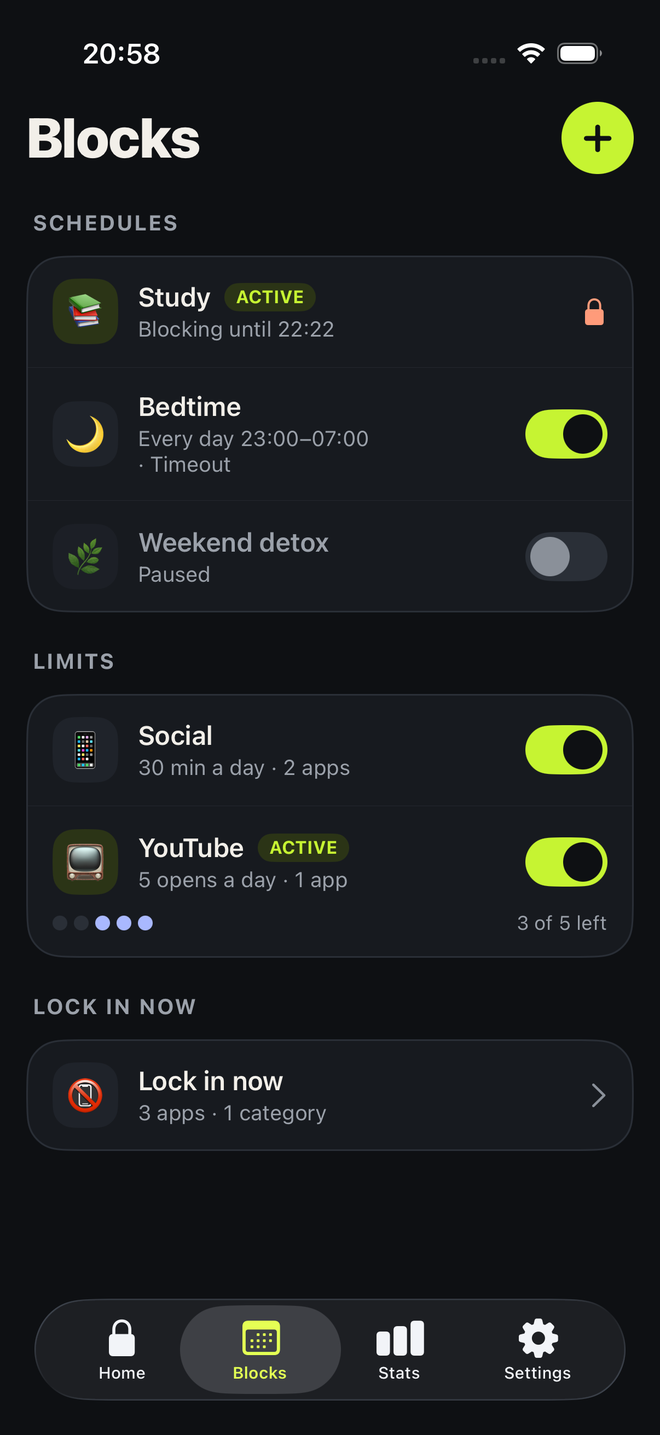
One tap, pick how long, and your distractions are gone until the timer runs out.
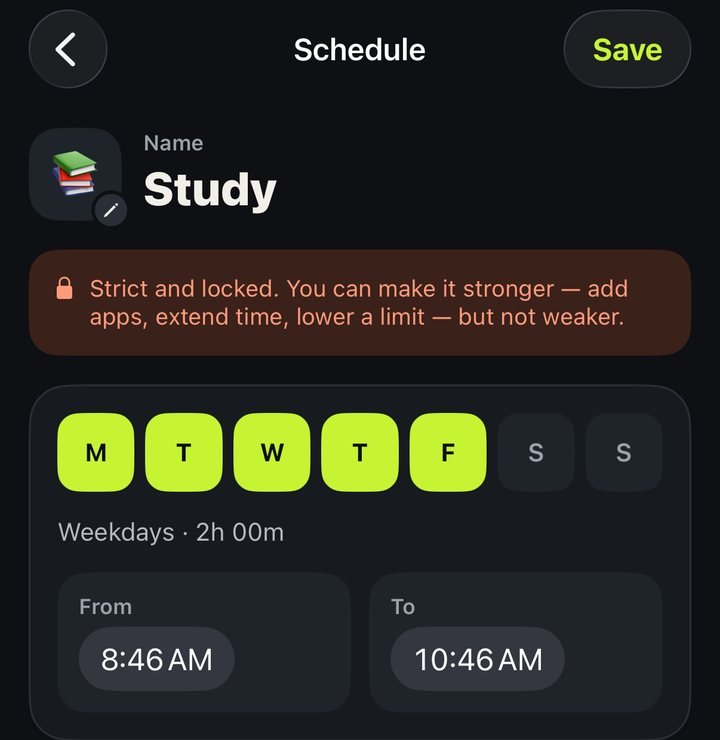
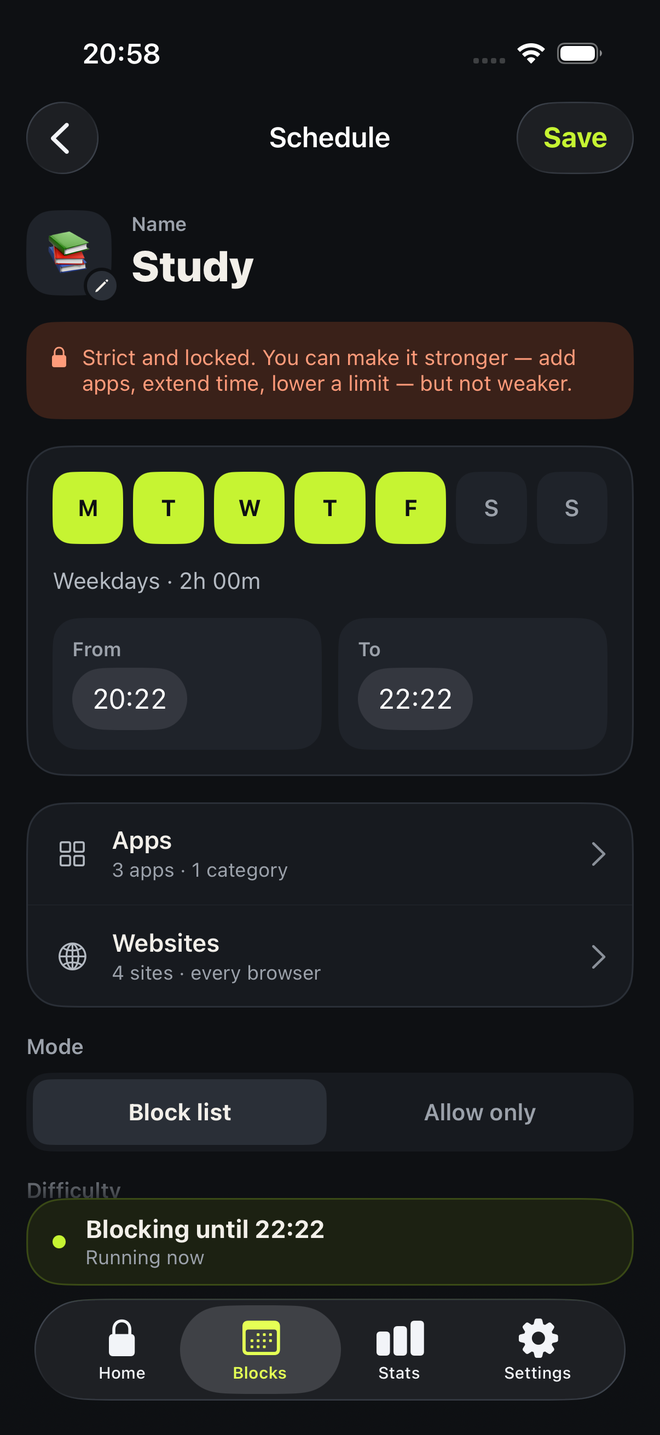
Block the same apps every workday, or every night, without thinking about it.
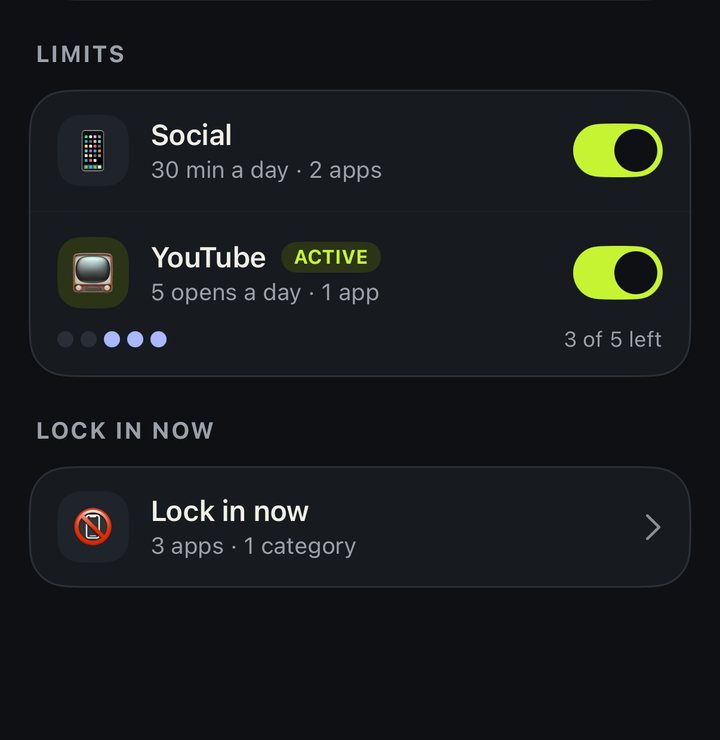
Give yourself a budget, like 30 minutes of social a day. When it’s spent, the apps stay closed until midnight.
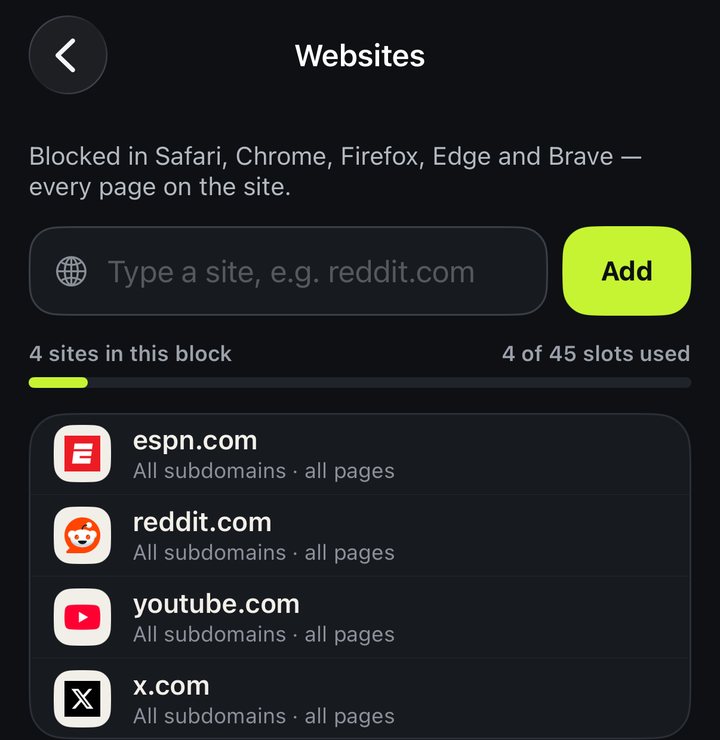
Block sites in Safari and other browsers, including every subdomain. Add page and keyword rules in Safari.
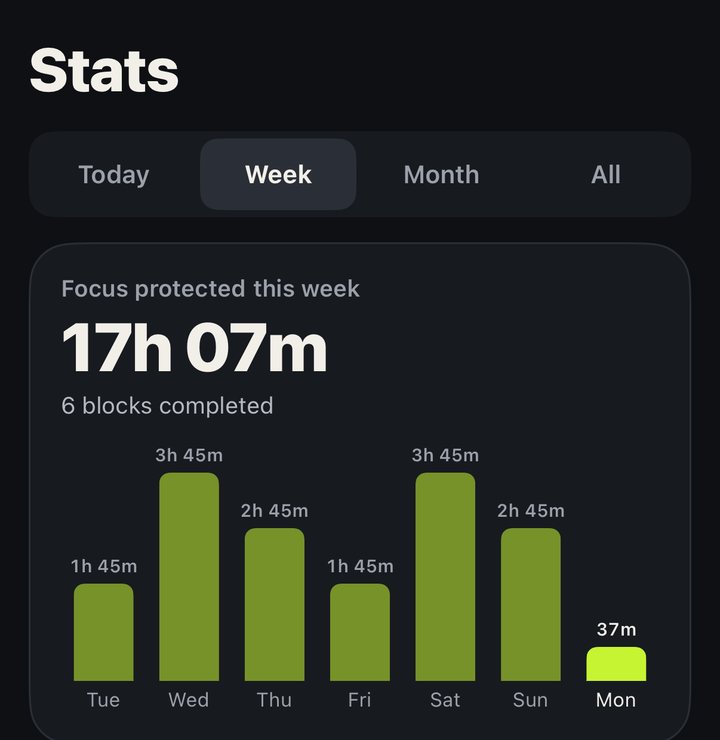
See how much time you’ve taken back today, and how it adds up over the weeks.
No account. Apple gives Lockin anonymous tokens for the apps you pick, never which apps you open or for how long.
Choose how hard it is to give in. Start easy, and turn it up when the habit is stronger than you are.
Most app blockers charge $30 to $100 a year, and some make you pay before you can try them. Lockin Pro is $14.99 a year, about $1.25 a month, the lowest yearly price of any paid blocker we compared, and the free version is yours to keep. Compare app blocker prices
Pro is $14.99 a year with a 7-day free trial, $2.99 a month, or $39.99 once for life. No weekly plan. US prices; your App Store shows the price in your currency.
Lockin Pro is $14.99 a year, $2.99 a month or $39.99 for life. On the US App Store, Opal lists $99.99 a year, Freedom $39.99 and one sec $19.99. Brainrot starts at $19.99 a year with no free plan or trial, and ScreenZen is free with optional tips. See the full comparison.
Not from inside Lockin. iOS always lets the person holding the phone turn off Screen Time access for an app in Settings, and no blocker can prevent that. Strict is built to make giving in take real effort.
No. Apple’s Screen Time gives Lockin anonymous tokens for the apps you pick, and your usage stays on your iPhone. Lockin has no account and never sends your apps, websites or block names anywhere.
Websites are blocked in Safari and other browsers through Screen Time, including every subdomain. Turn on the Lockin Safari extension for page and keyword rules.
Restore on a new iPhone in Lockin › Settings › Restore purchases. Cancel a subscription in iOS Settings › [your name] › Subscriptions; Pro stays on until the period ends, and your extra blocks are paused, not deleted.
Email [email protected] and we’ll get back to you.
Lockin Privacy Policy · Terms of Use