
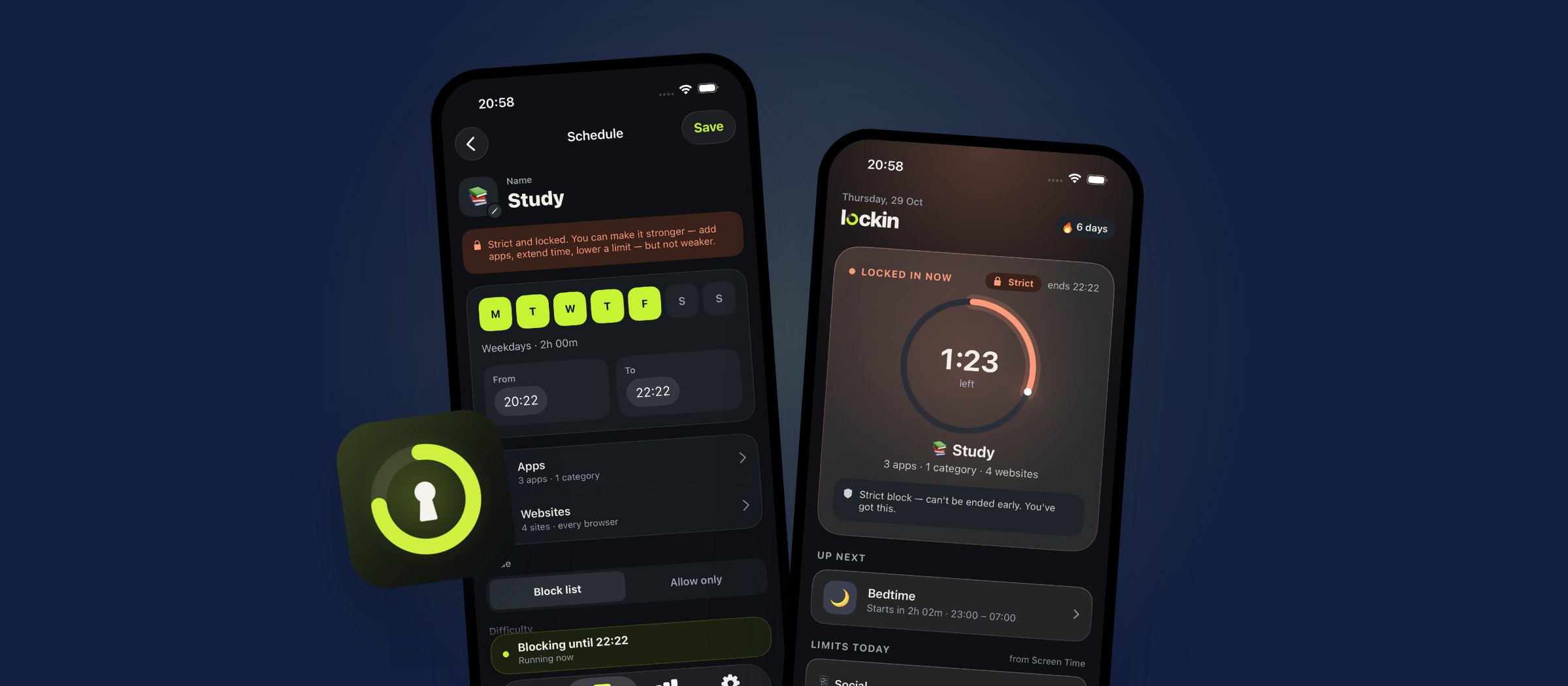
If you've shopped for an app blocker on iPhone, you've seen how much the prices vary. Some are free. Some cost more per year than a streaming service. And most of them block apps the same way, because on iPhone they all use Apple's Screen Time.
We're building Lockin, so we looked closely at the apps people already use. Here's what they cost, what makes each one different, and why we set Lockin's price where we did.
The prices, side by side
These are the main plans listed on each app's US App Store page on November 3, 2026. Apps often show different prices in different countries, run discounts, or test several prices at once, so you may see something slightly different in the app.
| App | Yearly | Monthly | Lifetime |
|---|---|---|---|
| Lockin (coming soon) | $14.99 | $2.99 | $39.99 |
| ScreenZen | Free | Free | Free |
| one sec | $19.99 | $6.99 | $99.99 |
| Jomo | $29.99 | $5.99 | $84.99 to $99.99 |
| AppBlock | $29.99 to $59.99 | $4.99 to $14.99 | Not listed |
| Freedom | $39.99 to $59.99 | $8.99 to $12.99 | $199 |
| Clearspace | $44.99 to $59.99 | $6.99 | Not listed |
| Brainrot | $19.99 to $59.99 | $3.99 to $8.99 | $24.99 to $49.99 |
| Opal | $99.99 | $19.99 | Not listed |
Lockin's yearly plan starts with a 7-day free trial. ScreenZen is free, with optional tips. Brainrot has no free plan: its listing says all of its features require a subscription, and there's no free trial, so you pay before you can try it. Opal and Brainrot also list weekly plans from $4.99 a week, which adds up to about $260 a year. Lockin has no weekly plan.
Across the paid apps, a typical yearly plan costs around $30 to $45, and a lifetime unlock around $100.
What makes each one different
Price isn't the whole story. Each app takes a slightly different approach.
- ScreenZen is free and supported by tips. Instead of a hard block, it mostly adds a pause before a distracting app opens, with limits on how often you can open it. If you want a nudge and don't want to pay, it's a great place to start.
- one sec also works with a short delay and a breathing moment before an app opens, rather than blocking it outright. It's well liked by people who want to build awareness, not walls.
- Jomo and AppBlock offer blocking with schedules and limits, and are priced in the middle of the market. Jomo and one sec also sell family plans.
- Freedom works across iPhone, Mac, Windows and Android, which is handy if you want one blocker everywhere. On iPhone it blocks websites through a local VPN profile, which can get in the way if you already use a VPN.
- Clearspace focuses on reducing screen time with limits and a pause before opening apps.
- Brainrot turns screen time into a game: a little brain avatar that decays the longer you use distracting apps. It's fun, but there's no free plan or free trial, so you have to pay before you know whether it suits you.
- Opal is the best-known name, with a polished, game-like design, focus scores and reports. It's also the most expensive by far, and it's heavy. In our own testing it made older iPhones noticeably laggy, and on an iPhone XS Max it was too slow to use at all. If your phone is a few years old, try it before you pay for a year.
None of these are bad choices. They're built for different people.
Where Lockin fits
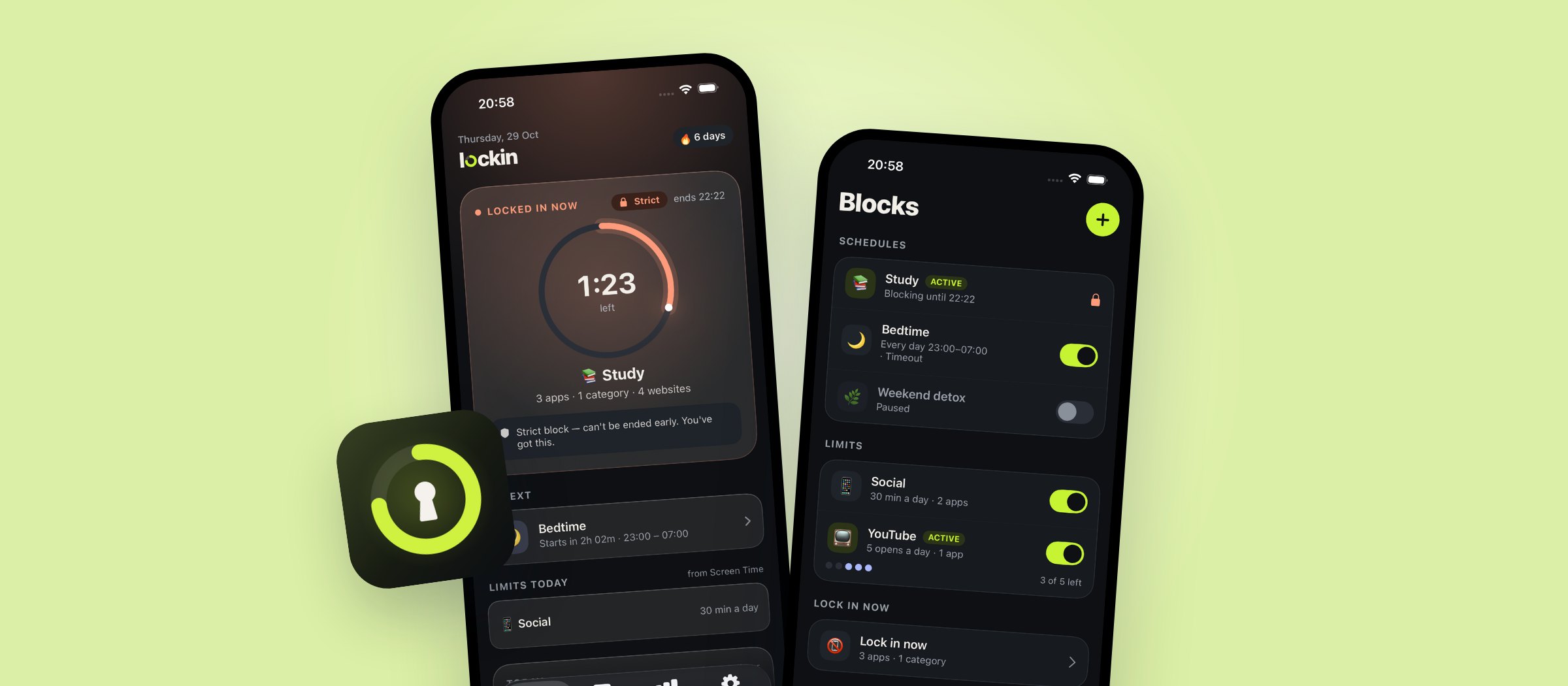
Lockin is for people who want distracting apps and websites properly blocked, on a schedule or after a daily limit, without paying premium-app prices.
- It blocks, it doesn't just pause. Blocks are enforced by iOS through Screen Time, so a blocked app stays closed until the block ends.
- Three levels. Easy blocks can be ended any time. Timeout makes you wait 10 seconds and confirm. Strict can't be ended or edited until time is up.
- Websites in every browser. Block sites in Safari and other browsers, including every subdomain, without a VPN. In Safari you can also add page and keyword rules.
- A free version you can actually use. Lock in now as often as you like, plus one schedule or daily limit, up to 5 websites, and the Easy and Timeout levels.
- Private by design. No account, and your data stays on your iPhone.
Why we priced Pro the way we did
We think a blocker should be cheap enough that price is never the reason you give up on it. So Lockin Pro is:
- $14.99 a year, with a 7-day free trial. That's about $1.25 a month.
- $2.99 a month, if you'd rather not commit.
- $39.99 once, if you never want another subscription.
The yearly and monthly plans cost less than every paid app in the table above, and the lifetime price is about the same as a single year of some of them. There's no weekly plan, no surprise charges, and if Pro ends, your extra blocks are paused, not deleted.
How to choose
- If you don't want to pay at all, try ScreenZen, or Lockin's free version once it launches.
- If you're on an older iPhone, try any blocker's free version or trial first, and check that it runs smoothly before you subscribe.
- If you want a gentle pause rather than a block, one sec or ScreenZen are good fits.
- If you need one blocker across Mac, Windows and Android too, look at Freedom.
- If you want firm schedules, daily limits and website blocking on iPhone at a fair price, that's what we're building Lockin for.
Whatever you pick, the best blocker is the one you keep using. See what Lockin will do.