Scan in a tap
Scan one page or a whole stack with the camera, or import pictures from Photos and PDFs from Files. Crop, rotate and pick a filter.

Turn paper into clean, sharp PDFs with your iPhone camera. Better Scanner finds the page edges, straightens the page and keeps every scan neatly in folders, ready to share.
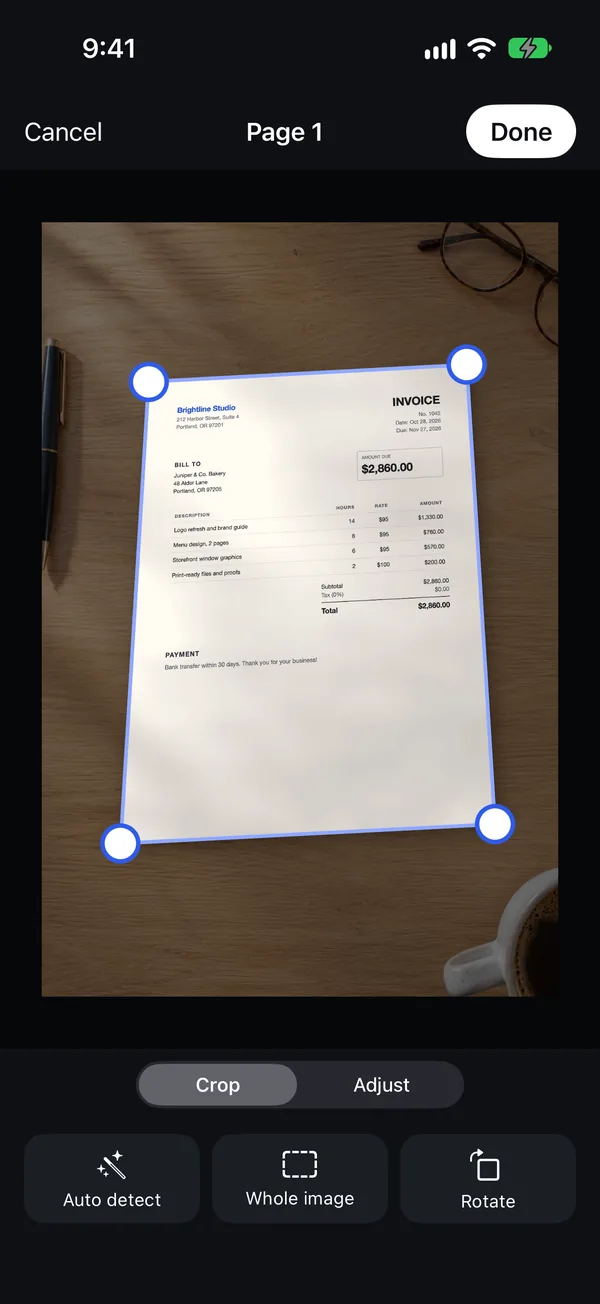
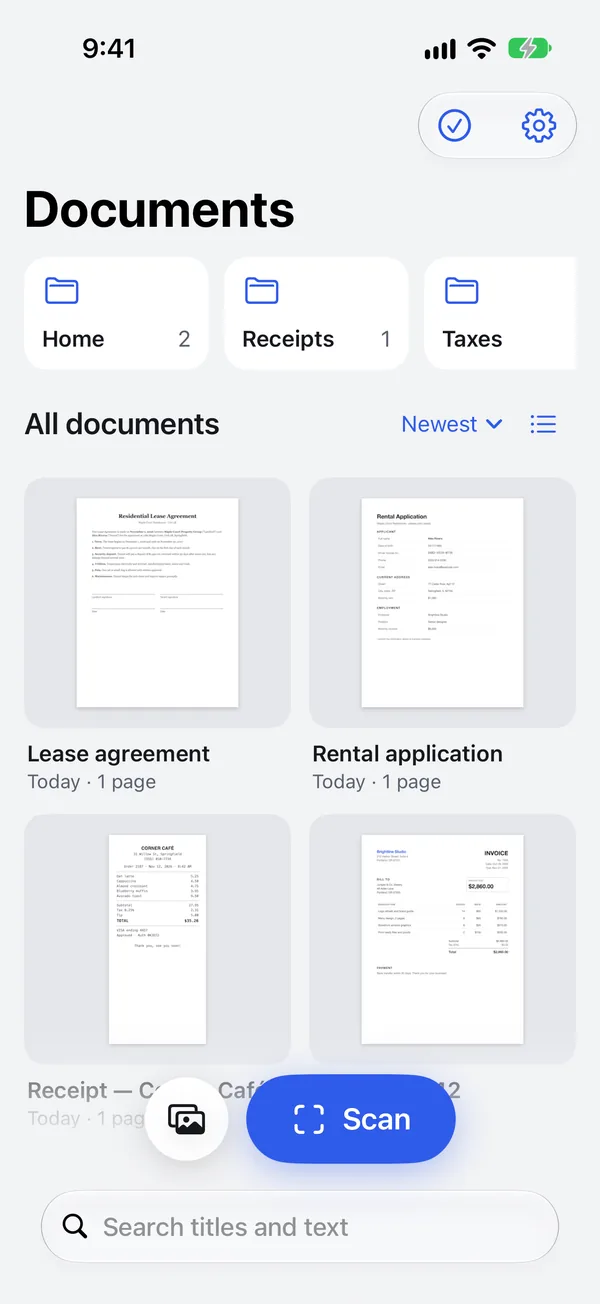
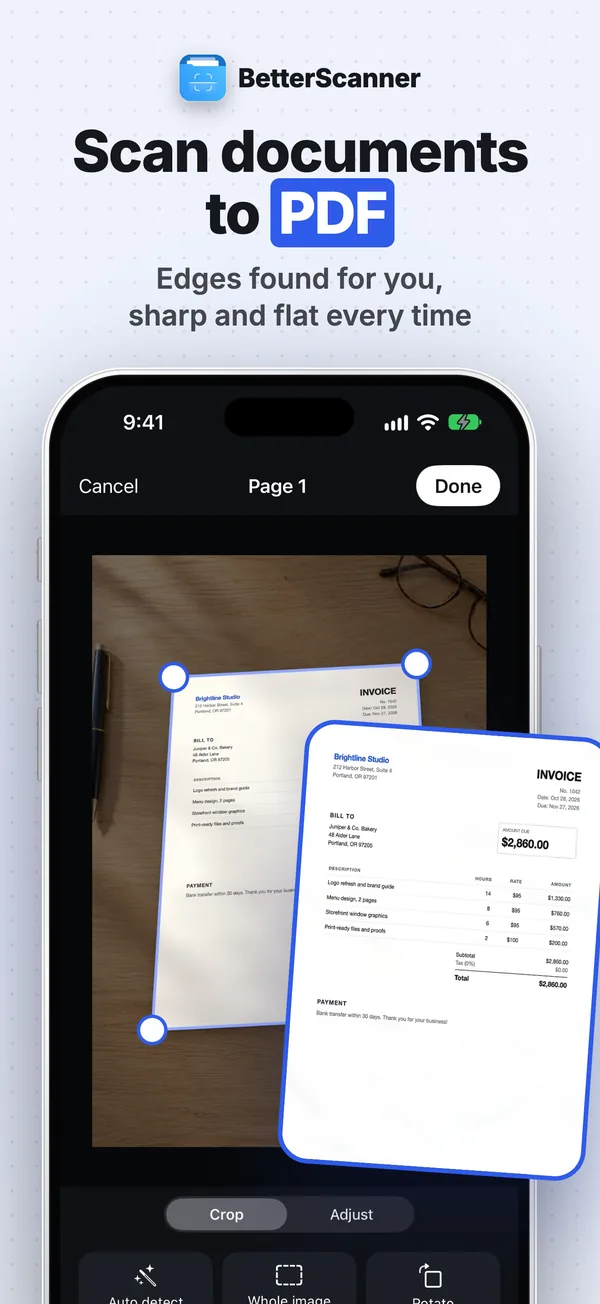
Scan one page or a whole stack with the camera, or import pictures from Photos and PDFs from Files. Crop, rotate and pick a filter.
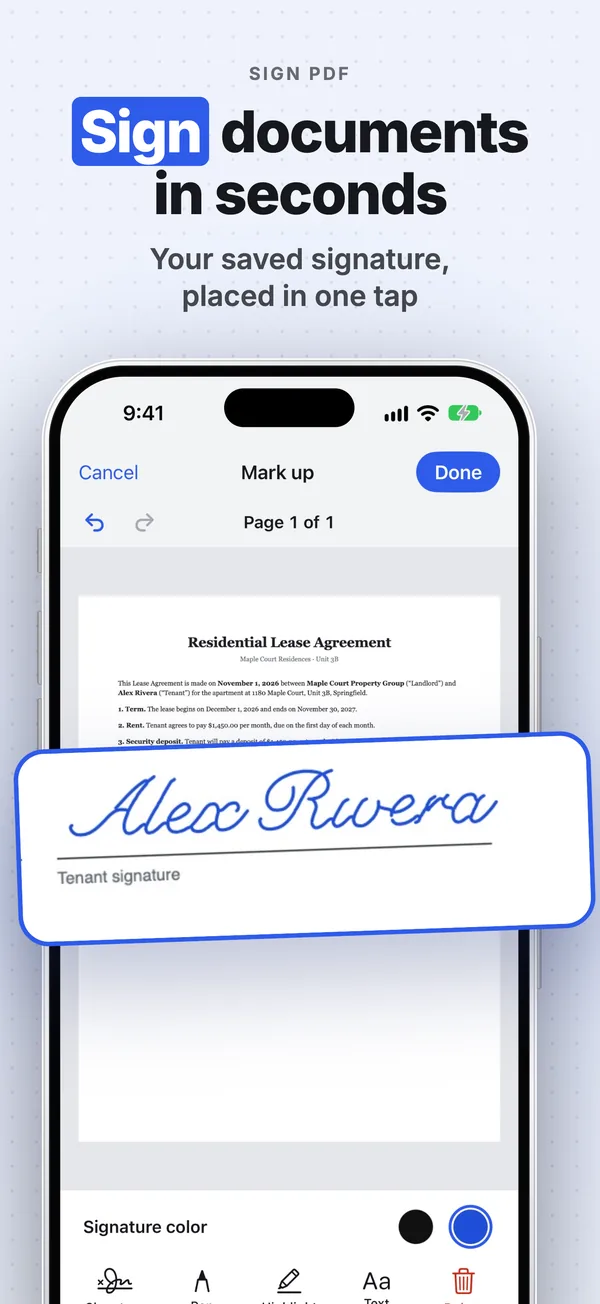
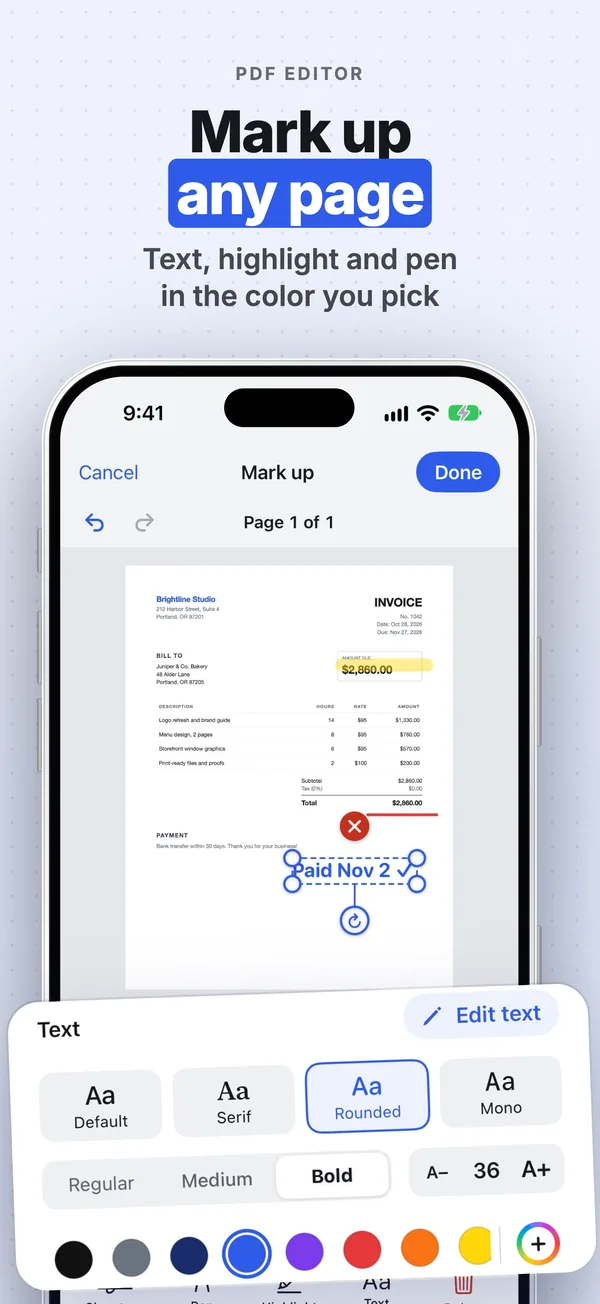
Draw your signature once, save it, and place it on any page. Write with a pen, highlight lines and add text boxes.
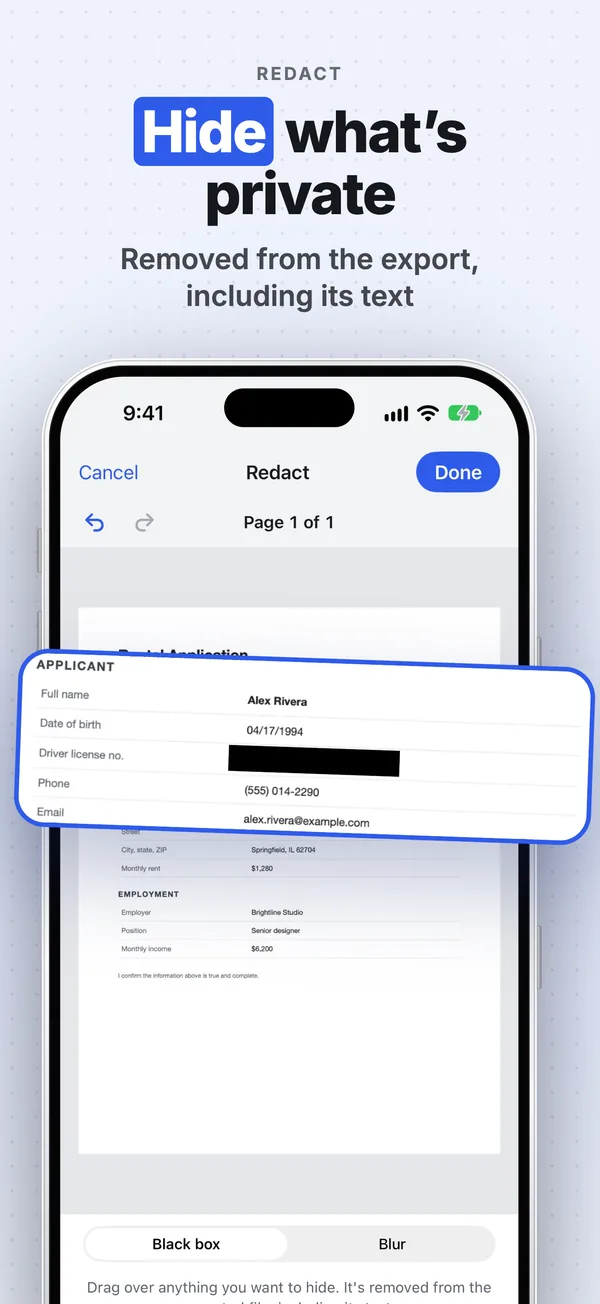
Cover account numbers and addresses with a black box or a blur. Redacted words are removed from the document’s text, too.
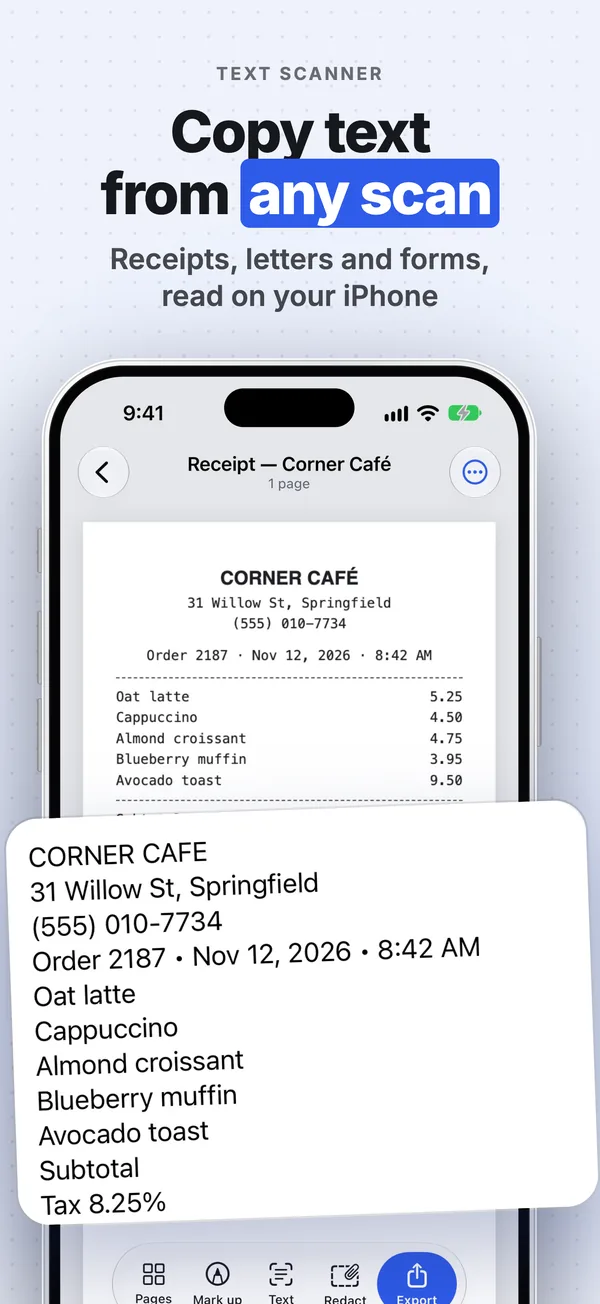
Text recognition runs right on your iPhone and turns a page into text you can copy, share or translate.
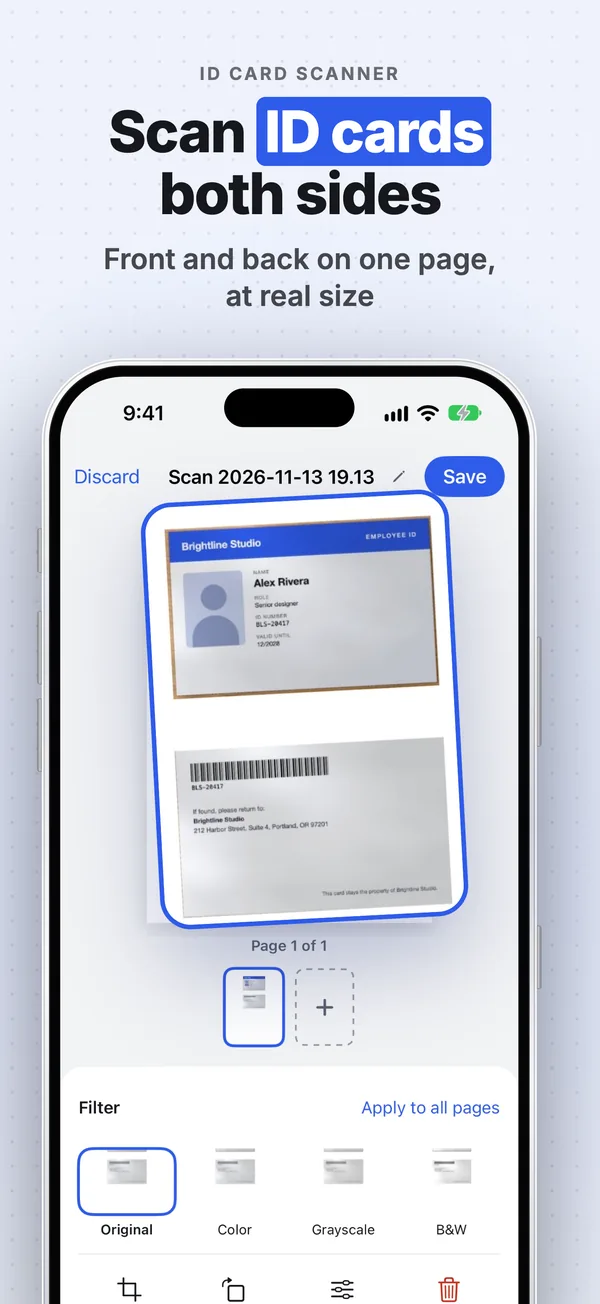
Scan the front and back of an ID card onto one page at real size, or the photo page of a passport.
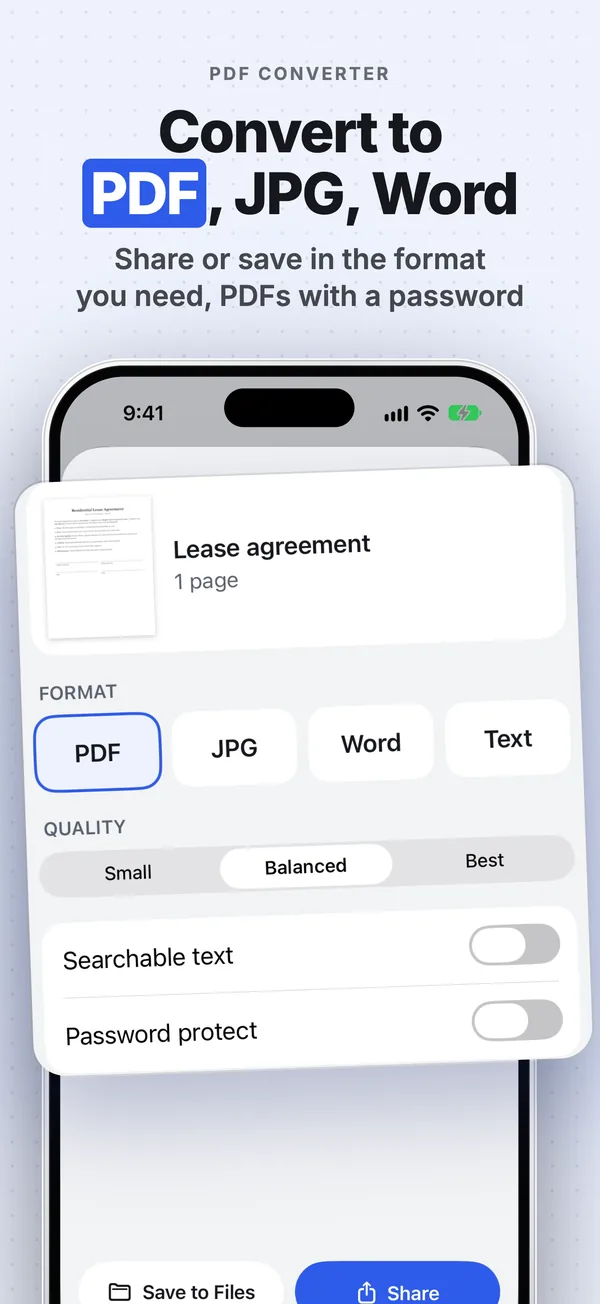
PDF, JPG, Word or plain text, in the quality you choose. Protect a PDF with a password, then share it or save it to Files.
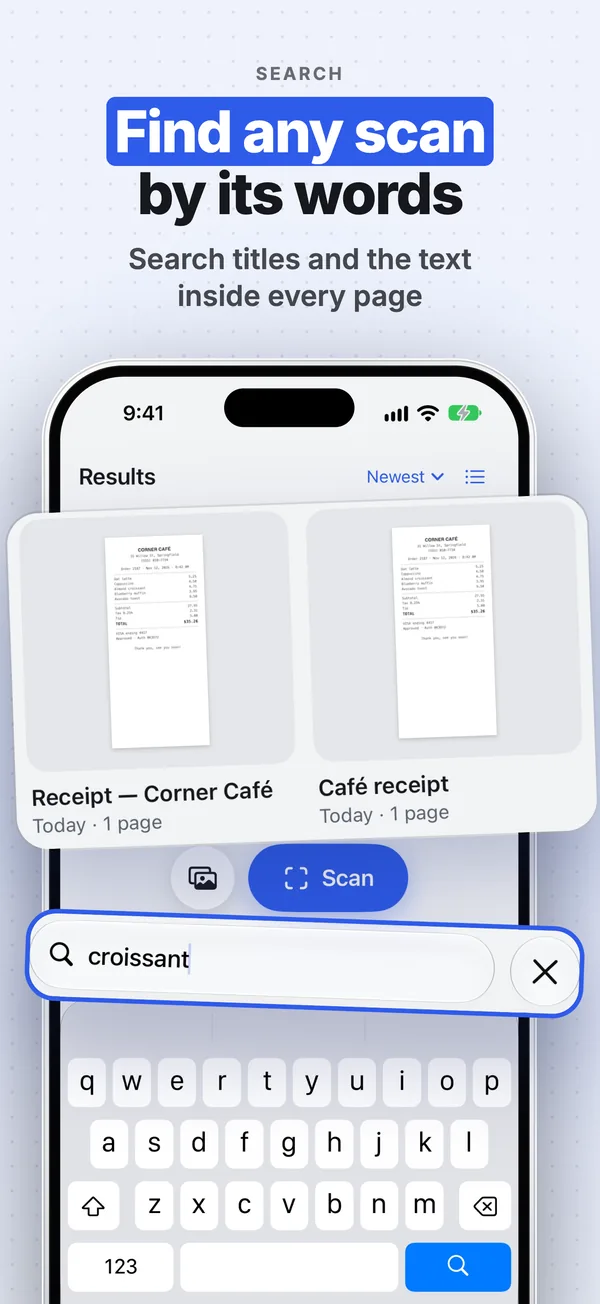
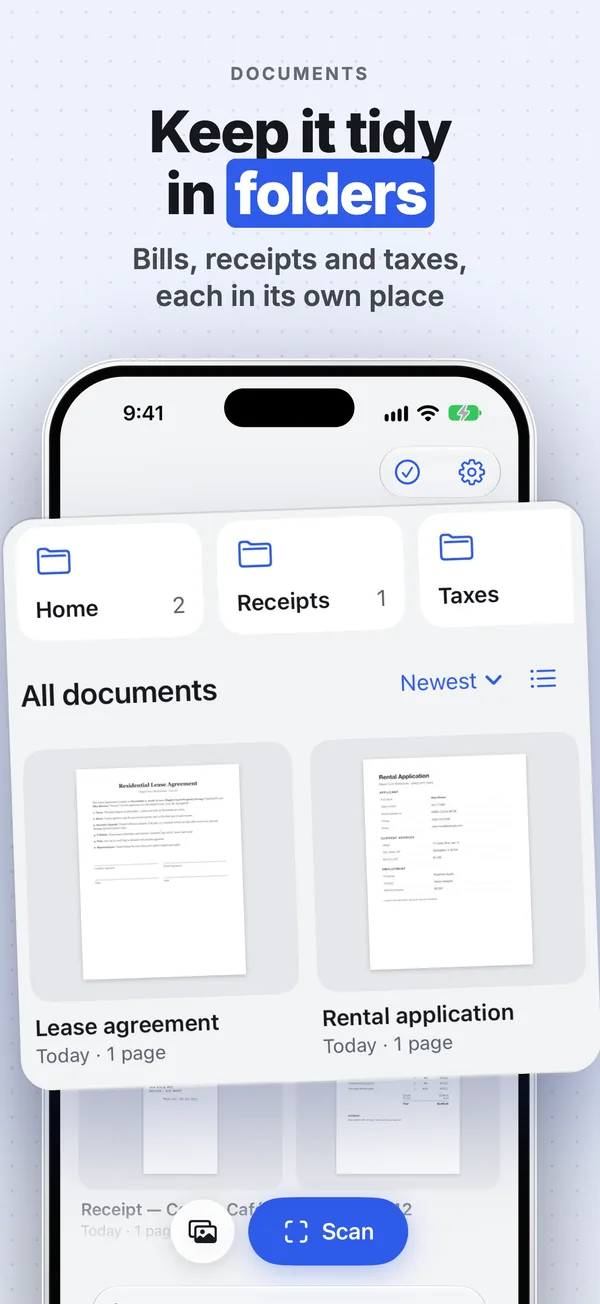
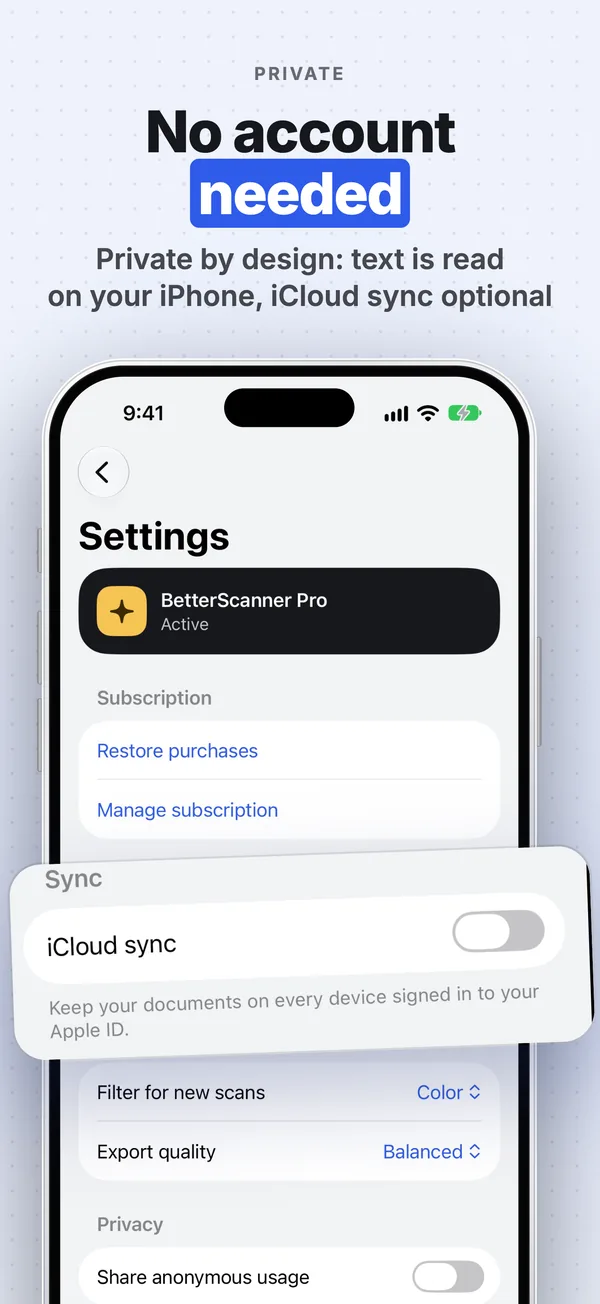
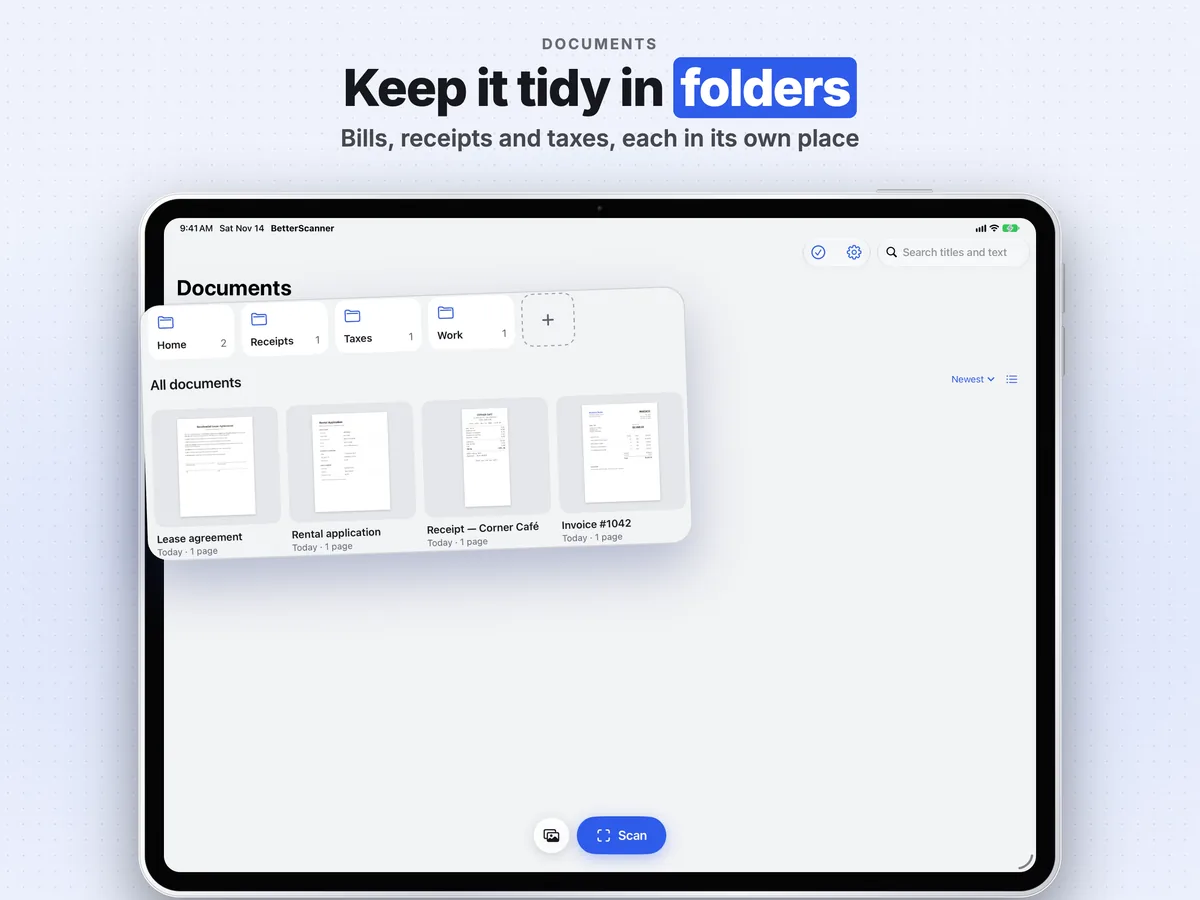
Folders, sorting and search keep everything in its place, and search looks at the words inside your scans too. No account needed: scans are kept on your device, and iCloud sync puts them on your iPhone and iPad.
Pro is available weekly, monthly, every 6 months or yearly; the yearly plan starts with a 3-day free trial. Prices are shown in the app and on the App Store.
No. There’s no sign-up: just open the camera and go.
No. Scans are kept on your device, and text recognition runs right on your iPhone. If you turn on iCloud sync (Pro), your scans are stored in your own iCloud so they appear on your iPhone and iPad.
Scan and import, crop, rotate and filters, folders, search by title, widgets, and 3 PDF or JPG exports every 7 days with a small “Scanned with BetterScanner” mark. Pro removes the mark and the limit.
Better Scanner runs on iPhone and iPad with iOS 16 or later. Translation needs iOS 17.4 or later, and smart titles need iOS 26 with Apple Intelligence.
To restore a purchase, open BetterScanner › Settings › Restore purchases. To cancel a subscription, go to iOS Settings › [your name] › Subscriptions.
Email [email protected] and we’ll get back to you.
Better Scanner Privacy Policy · Terms of Use